Building a visually stunning, high-converting online store used to require a modest fortune. In the early days of e-commerce, launching a brand meant paying custom design agencies, hiring product photographers, retaining copywriters, and employing developers to stitch everything together.
That model is officially broken.
Today, generative AI tools allow solo entrepreneurs and lean teams to build custom store layouts, produce studio-grade product photos, generate complete brand identities, and write high-converting copy in minutes. If you are still spending weeks tweaking theme code or paying thousands for basic brand assets, you are overcomplicating the process.
Here is a curated breakdown of the best free AI automation tools for store design, branding, and visual media, along with a practical workflow to launch your store with zero upfront design cost.
1. Store Layout & Page Design Automation
Converting visitors into buyers requires clean UI, rapid load times, and intuitive navigation. Modern AI site builders generate fully responsive landing pages and component blocks directly from plain text prompts.
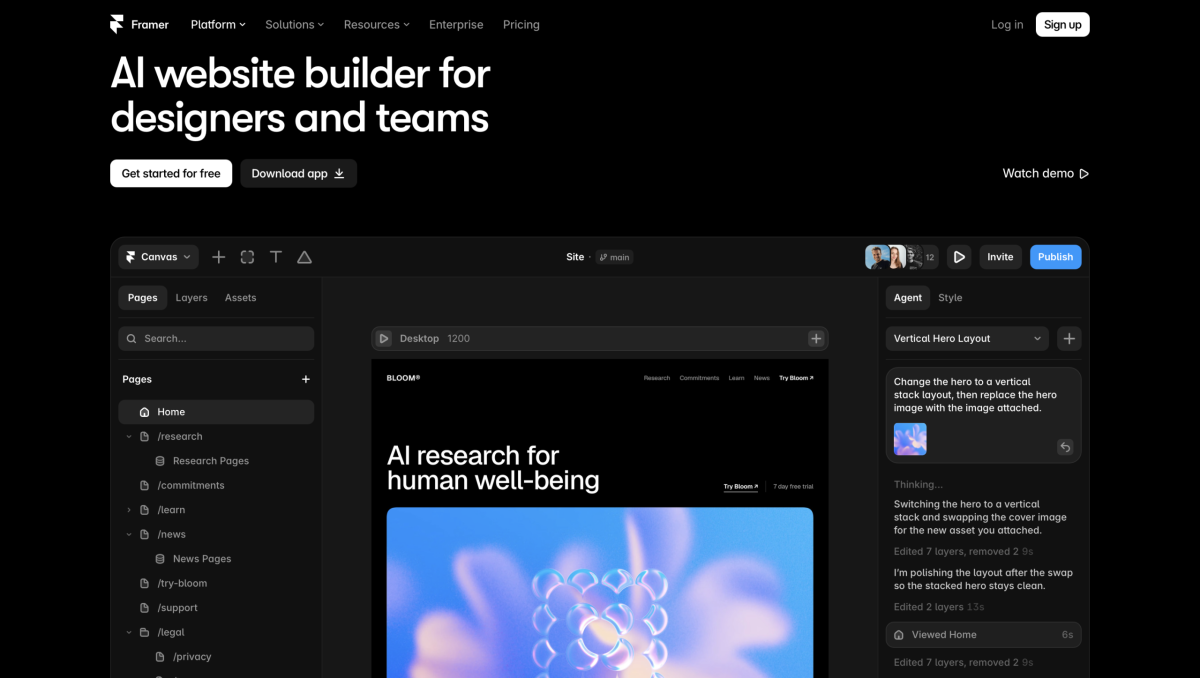
- Framer AI: Enter a brief description of your product catalog and visual preference, and Framer generates a responsive layout complete with interactive components, typography systems, and color schemes. It is one of the fastest tools for prototyping high-converting landing pages.
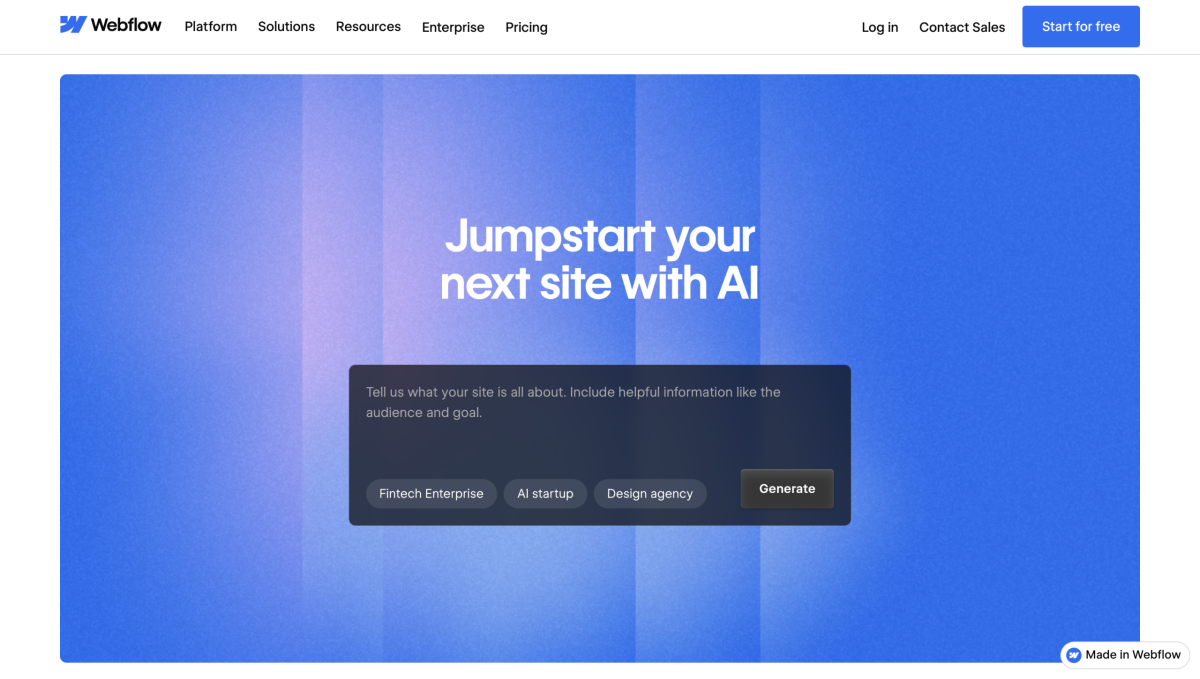
- Webflow AI: Webflow’s native AI capabilities let you generate custom layout sections, optimize design responsiveness, and translate site elements automatically. It provides enterprise-level code cleanlines without requiring manual CSS work.
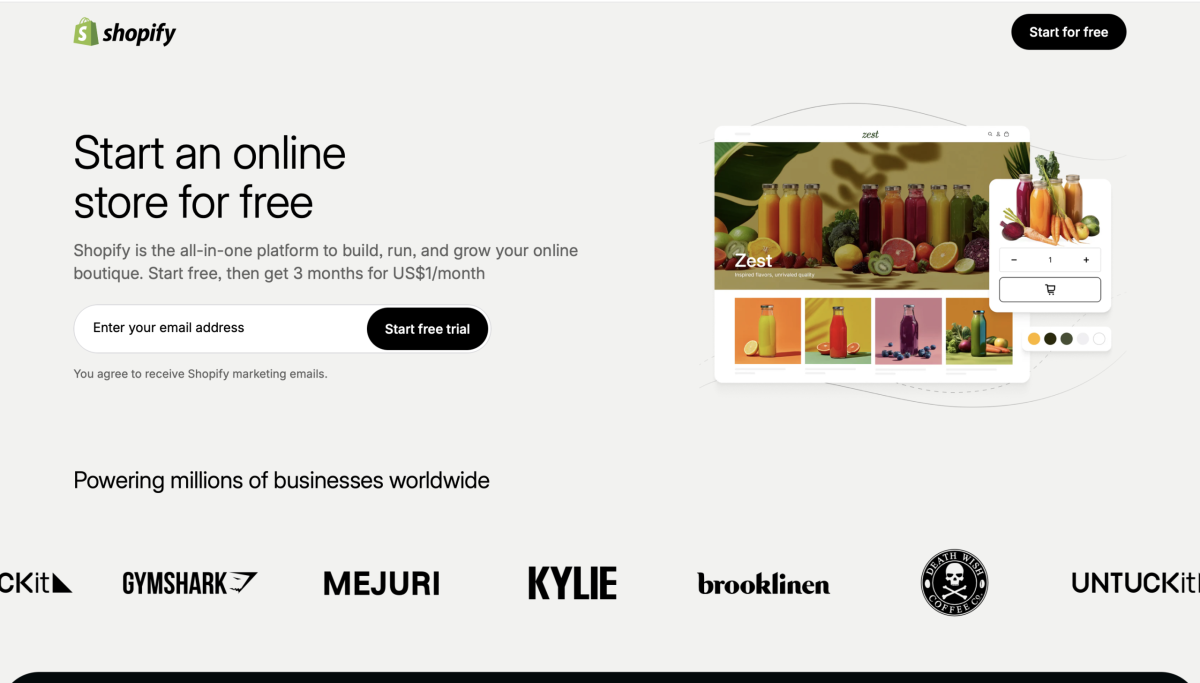
- Shopify Magic & AI Builders: For traditional storefronts, Shopify’s built-in AI tools generate custom page sections, match color schemes to uploaded assets, and auto-layout product grids based on buyer intent patterns.
2. Brand Identity & Visual Asset Generation
A brand identity is more than just a logo; it encompasses typography, color harmony, social media assets, and a consistent visual tone.
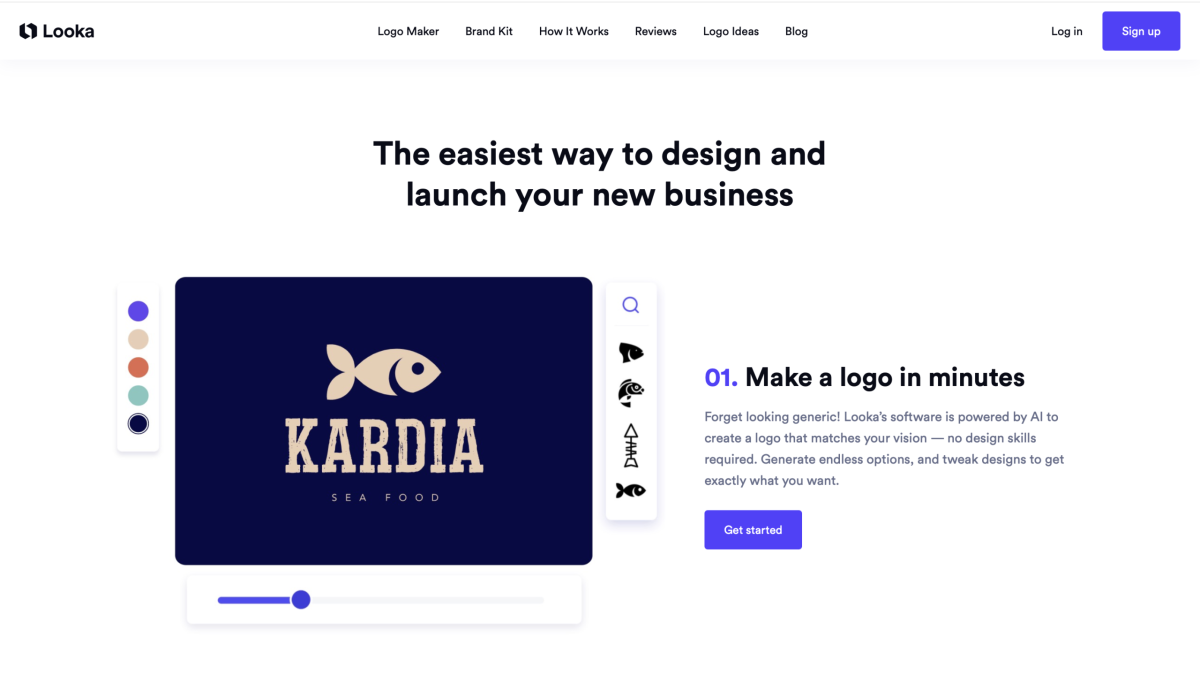
- Looka: Uses machine learning to generate hundreds of custom logo variations based on your industry, color preferences, and design style. Its free editor lets you preview complete brand kits, mockups, and typography hierarchies before finalizing your look.
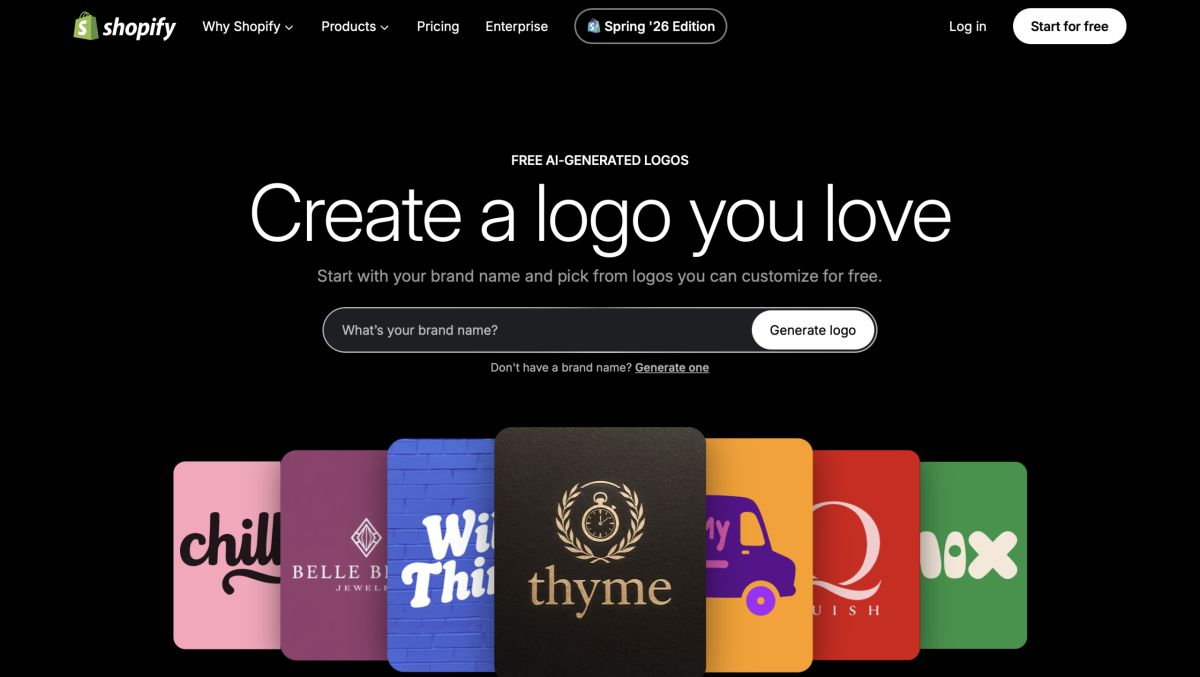
- Hatchful by Shopify: A completely free logo generator designed specifically for e-commerce. It outputs formatted social media banners, favicons, and profile headers tailored to major sales channels.
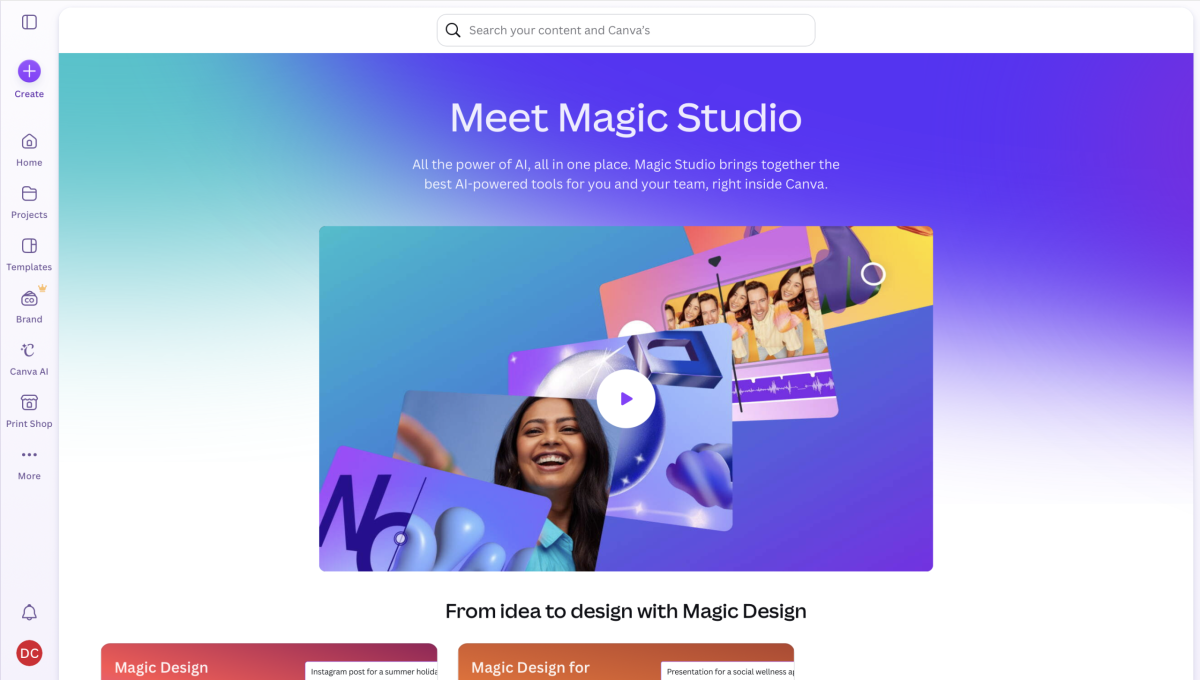
- Canva AI (Magic Studio): Canva’s AI features allow you to generate marketing banners, brand kits, and ad creatives in bulk. The Brand Hub feature automatically locks in your logos, fonts, and colors across all generated graphics to maintain strict visual consistency.
3. Product Photography & Staging Automation
High-quality product images are the single biggest factor in add-to-cart conversion rates. Traditional studio shoots require expensive lighting, camera gear, and post-processing software.
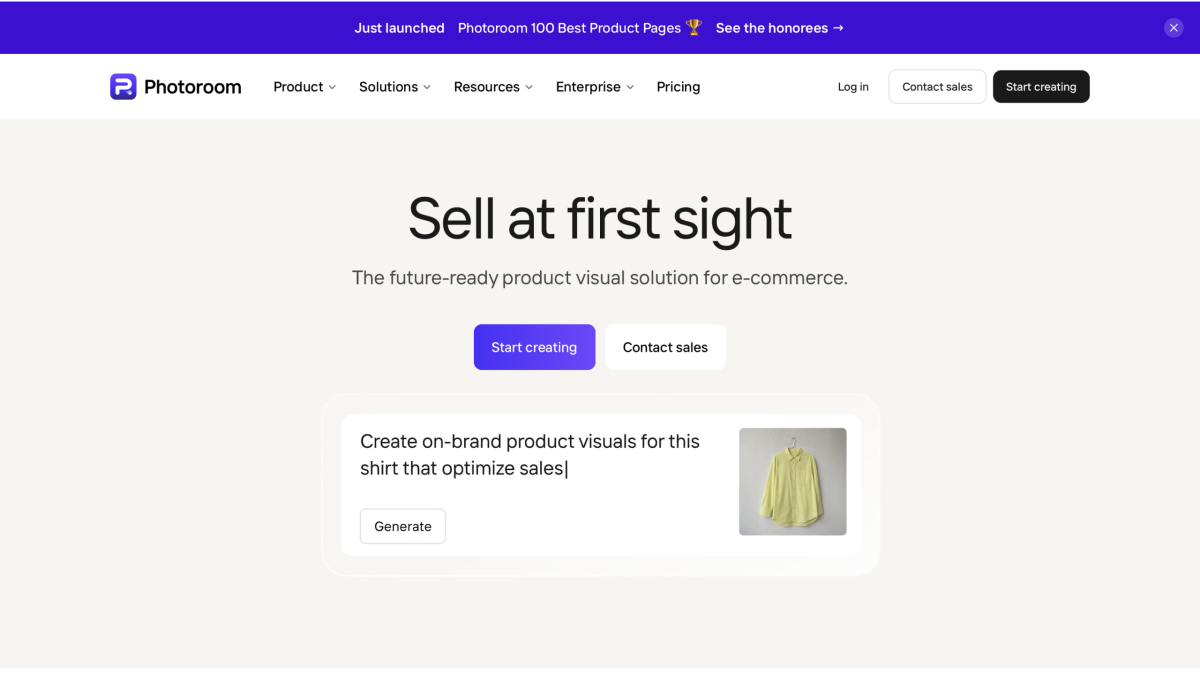
- Photoroom: Instantly removes raw backgrounds from mobile phone photos, adds realistic contact shadows, and places products in AI-generated studio or lifestyle environments.
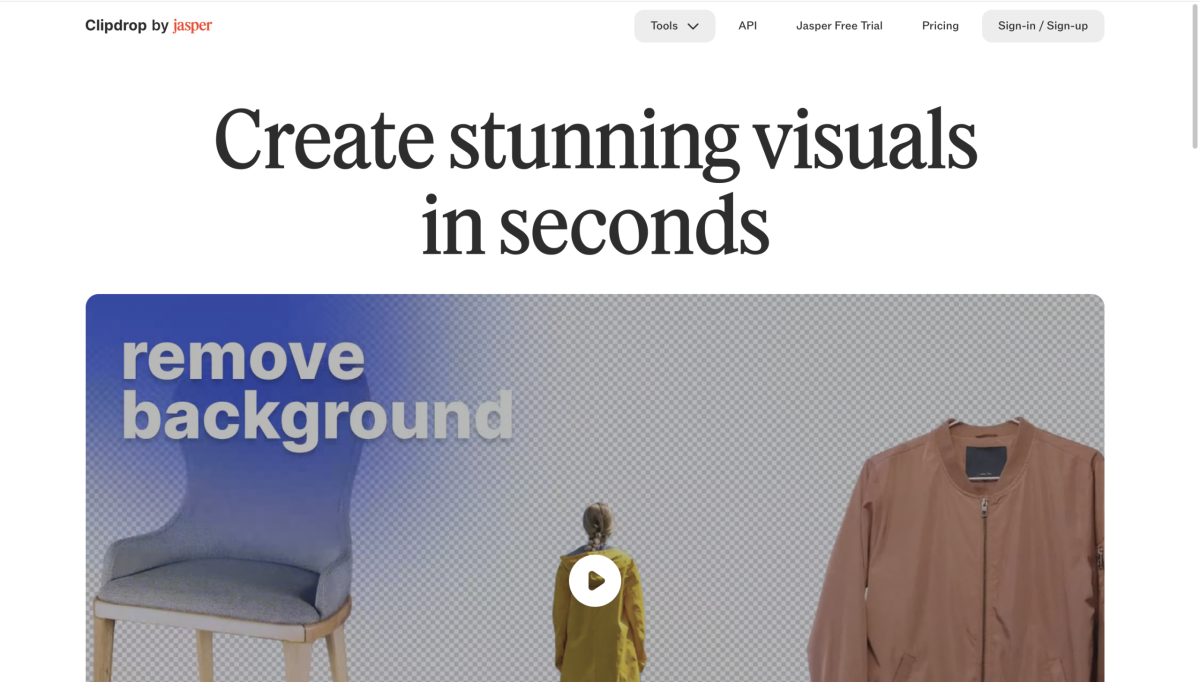
- Clipdrop by Stability AI: Offers advanced image relighting, background removal, and asset cleanup. If a product photo has unwanted reflections or distracting background elements, Clipdrop erases them in a single click.
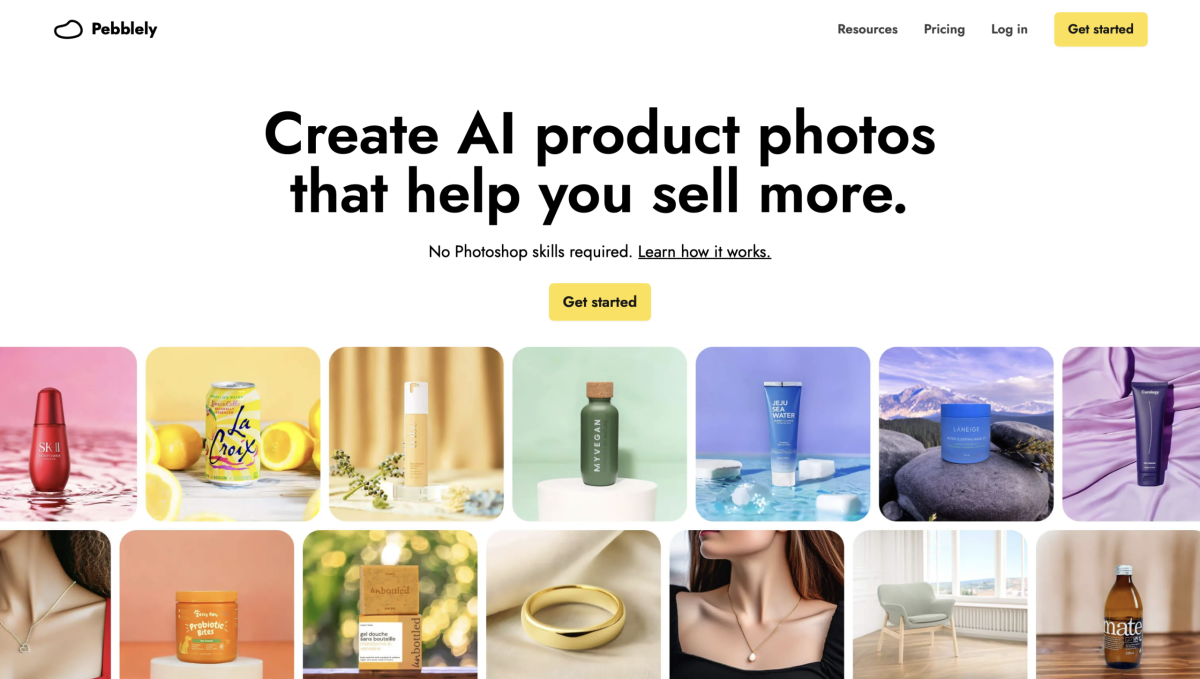
- Pebblely: Built explicitly for e-commerce, Pebblely transforms basic studio product shots into mood-matched lifestyle backgrounds—placing coffee bags on wooden tables or skincare bottles on marble slabs with realistic lighting reflections.
4. Product Copywriting & Inventory Description at Scale
Writing unique, SEO-friendly product descriptions for hundreds of SKUs is a major operational bottleneck. Duplicate or generic manufacturer copy actively hurts your search rankings.
- Copy.ai: Offers dedicated e-commerce workflows that turn bulleted specs into persuasive, benefit-driven product titles, bullet points, and landing page hero copy.
- ChatGPT E-commerce Prompts: By feeding custom system prompts into language models, you can generate structured JSON or CSV data containing product titles, alt text, meta descriptions, and long-tail keywords ready for bulk import.
- Multi-Tool Orchestration: Rather than relying on a single AI platform to handle design, code, and content simultaneously, combining specialized tools yields far superior results. Knowing when to switch tools is essential—a lesson explored in our guide on why you should stop using one AI for every task.
5. The $0 AI E-Commerce Launch Workflow
To launch an automated store setup quickly without spending money on software subscriptions, follow this four-step sequence:
[Looka / Hatchful] ──► [Photoroom / Pebblely] ──► [Copy.ai / ChatGPT] ──► [Framer / Shopify AI]
  Generate Branding      Studio Product Staging     SEO Copy & Descriptions    Page Assembly & Launch
- Step 1: Brand Kit CreationUse Hatchful or Looka to establish your primary color palette, font pairings, and vector logo. Save these hex codes and asset files locally.
- Step 2: Product Image StagingTake raw product photos on a smartphone using natural light. Upload them to Photoroom or Pebblely to remove backgrounds, add realistic drop shadows, and generate clean lifestyle backdrops.
- Step 3: Automated Description WritingFeed raw specifications into Copy.ai or ChatGPT. Prompt the tool to write benefit-driven headlines, bullet points, and meta tags targeted at specific long-tail search queries.
- Step 4: Layout Assembly & IntegrationImport your visual assets and copy into Framer AI or Shopify Magic. Use AI layout tools to arrange section blocks, apply your brand palette, and optimize mobile responsiveness.
6. Scaling Beyond Storefront Design
Establishing a visually appealing storefront is only the first step. Once your store architecture and product pages are live, automating customer communications, inventory reporting, and video marketing content keeps overhead low as sales scale up.
- Automated Video Marketing: Short-form video platforms drive a massive percentage of modern e-commerce discovery. You can convert product prompts and feature lists into high-converting video ads using our list of free AI tools for generating viral video prompts.
- Business Intelligence & Operations: As store order volume grows, handling manual reporting becomes unsustainable. You can streamline internal metrics and data access by building a custom AI chatbot for business intelligence to query store analytics, inventory levels, and sales trends on demand.
Final Thoughts
The barrier to entering the e-commerce market has never been lower. By replacing manual design processes and expensive agency retainers with targeted AI automation tools, you can launch a polished, professional brand in hours rather than months.
Focus on tools that offer strong free tiers, export clean assets, and integrate seamlessly with your primary sales platforms. Test one tool from each category today, streamline your launch stack, and focus your energy on what matters most: acquiring customers and scaling sales.