Content creation has officially hit a tipping point. If you aren’t posting video, you’re basically invisible. But let’s be real: not everyone has the time to master Premiere Pro or the budget to hire a full production crew.
Lately, I’ve been obsessed with the idea of “Prompt-to-Viral” workflows. I’ve explored how AI landing page builders are changing the web, and now video is getting that same “instant” treatment. It’s wild—you type a few sentences, and the AI handles the lighting, the physics, and the camera movement.
However, a word of advice: AI is only as good as the logic you give it. It’s like coding; if you don’t understand the fundamentals, like why “Hello” + 1 + 2 behaves weirdly in JavaScript, your output will be a mess.
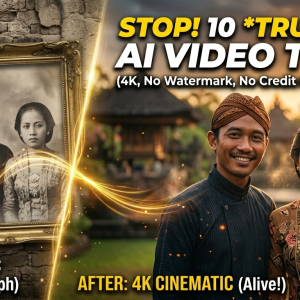
Here are the 10 free AI tools I’ve been testing that can help you dominate social media engagement right now.
1. Luma Dream Machine
Luma is currently the “it” tool in the AI video space. It’s a highly capable model that understands real-world physics better than almost anything else I’ve tried.

- Personal Insight: When I tested this, I was blown away by how it handles “Keyframe” transitions. You can upload a start and end image, and Luma “hallucinates” the movement in between. It’s perfect for those “glow-up” or “transformation” Reels that always go viral.
2. Runway Gen-3 Alpha
Runway is the pioneer. While many tools feel like toys, Runway feels like a professional studio. It offers granular control over things like “Motion Brush,” where you paint an area of an image and tell the AI exactly how much to move it.

- Personal Insight: I found that Gen-3 is best for cinematic b-roll. If you need a shot of a futuristic city or a moody landscape for a background, this is your go-to. It looks less “AI-weird” and more like a Netflix documentary.
3. Kling AI
Kling started as a regional powerhouse but has now gone global, and for good reason. It can generate videos up to 10 seconds (which is a lifetime in AI years) with incredible consistency.

- Personal Insight: The “human” realism here is spooky. I used it to generate a video of someone eating noodles, and unlike other AIs that turn the fork into a finger, Kling handled the interaction perfectly. Great for relatable “human” content.
4. Pika Art
Pika is the fun, creative cousin in the AI family. It’s fantastic for stylized content—think 3D animation, claymation, or anime styles.

- Personal Insight: Their “Sound Effects” (SFX) feature is a game-changer. It generates the audio to match the video. If you generate a balloon popping, it adds the “pop” sound automatically. It saves me so much time in post-production.
5. InVideo AI
This isn’t just a video generator; it’s a full editor. You give it a topic like “5 Facts About Space,” and it writes the script, picks the stock footage, adds the subtitles, and puts it all together.
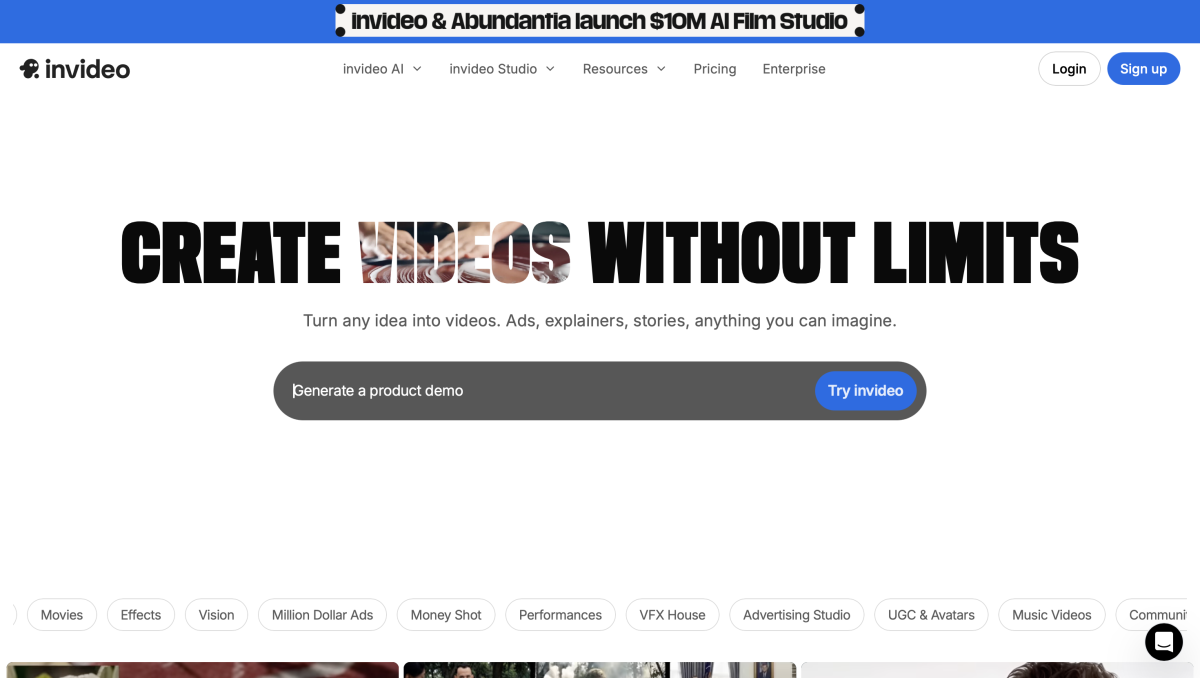
- Personal Insight: This is my “efficiency hack.” If I’m working from a busy co-working space and need to ship a video fast, InVideo does 90% of the heavy lifting. You just polish the last 10%.
6. HeyGen
HeyGen specializes in “Talking Head” videos. You can take a photo of yourself (or an AI-generated person) and make them speak any script in any language with perfect lip-syncing.

- Personal Insight: I’ve used this for educational snippets. The “Video Translate” feature is insane—it can take a video of you speaking English and change it to Spanish while keeping your actual voice and adjusting your lip movements.
7. Leonardo AI (Motion)
Leonardo started as an image generator, but their “Image Guidance” for video is top-tier. You have a lot of control over the “Motion Strength” slider, which prevents the video from becoming too chaotic.

- Personal Insight: I love using this to animate my brand logos or static product shots. It adds just enough “life” to a photo to make it stop someone from scrolling past it on a feed.
8. CapCut Magic Tools
Most people know the app, but CapCut’s web-based AI tools are underrated. Their “Script to Video” tool is surprisingly robust for something that is almost entirely free.

- Personal Insight: It has the best “Trending Templates” integration. Since CapCut is owned by ByteDance (TikTok), the AI knows exactly what styles are currently viral and suggests them to you.
9. Kaiber AI
If you want that “trippy,” morphing transition style seen in Linkin Park music videos, Kaiber is the one. It uses a technique called “Frame Diffusion” to create mind-bending visuals.

- Personal Insight: It’s not for “realistic” shots, but it’s 10/10 for “vibe” shots. I use it when I want to create a hype teaser for a new tech launch where the visuals need to feel high-energy and futuristic.
10. Fliki
Fliki is the fastest way to turn “Text to Video.” If you have a blog post or a long tweet, Fliki can turn it into a narrated video with subtitles in less than two minutes.

- Personal Insight: The AI voices here are the most “human-sounding” on the market. They don’t have that robotic monotone that usually kills engagement. It’s perfect for news updates or quick tech tips.
Final Thoughts: Creativity Over Complexity
We are moving into an era where your ability to write a good “story” matters more than your ability to use a camera. AI is lowering the barrier to entry, but it’s your unique perspective that will make a video go viral.
Use these tools to experiment, fail fast, and iterate. The algorithm rewards consistency, and with these AI tools, you no longer have an excuse not to post.