We’ve all been there. You’re at a birthday party or a family dinner, you pull out your phone to capture a once-in-a-lifetime moment, and the dreaded notification appears: “Storage Almost Full.” This is a classic 64GB iPhone storage problem that always haunts us, and I’ll tell you the quick practical secret to get over it.
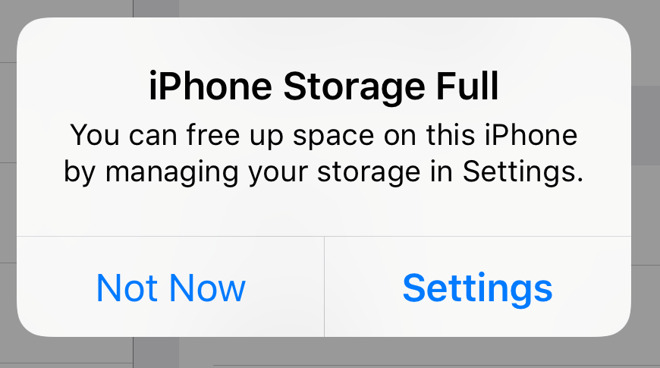
My iPhone 12 has been my faithful companion since early 2021. Even five years later, it’s a workhorse that still handles calls, chats, and casual photography perfectly. But it has one fatal flaw that Apple’s marketing department doesn’t want to talk about: 64GB of internal storage is a digital death sentence in 2026.
The “Optimize Storage” Myth
For years, I played by the rules. I paid for the 200GB iCloud subscription, thinking it was a “magic tunnel” that would whisk my photos away and leave my phone empty. I turned on “Optimize iPhone Storage,” but my phone was still suffocating. It doesn’t solve my 64GB iPhone storage problem at all.
Here is the truth: Even when your photos are in the cloud, iOS insists on keeping “low-resolution thumbnails” and database entries on your physical device. When you have five years of memories, those thumbnails alone start colonizing your memory. I realized that how Xiaomi outsmarted Apple in 2025 by focusing on practical consumer pain points was a lesson I should have learned sooner. Apple wants you to feel this storage pressure so you’ll upgrade to an iPhone 17 with 512GB of space.
The “Deep Breath” Moment
I reached a point where I couldn’t even update my iOS. I realized there is no technical workaround for a physical limit. You cannot “optimize” your way out of a 64GB cage when the software itself keeps getting heavier.

I had to take a deep breath and accept a harsh reality: I can’t keep every photo I’ve ever taken in my native Photos app forever. If I did, I’d be forced to buy a new phone every two years—exactly what Big Tech wants. Instead, I decided to treat my iPhone like a “daily driver” and move my archives elsewhere.
My 2026 Storage Strategy: The OneDrive Pivot
Since I have a 1TB OneDrive subscription through Microsoft 365, I decided to offload my history. I moved every single photo and video from 2021 and 2022 into organized folders on OneDrive and then deleted them entirely from my iPhone and iCloud.
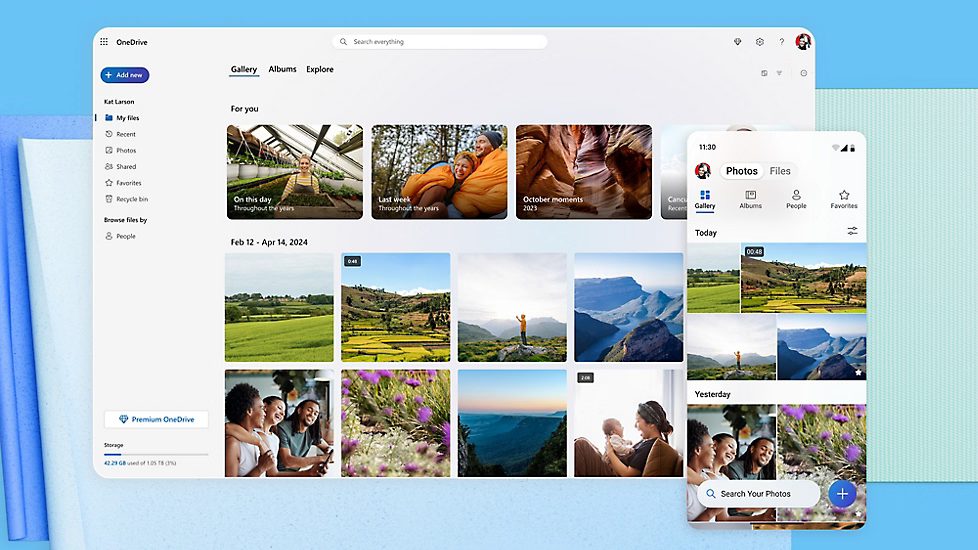
The results were immediate:
- System Fluidity: My iPhone 12 stopped lagging. Keeping a phone at max storage actually damages the flash memory over time due to frequent slow access and high CPU usage.
- Accessibility: By using the OneDrive app, I can still scroll through my 2021 memories as easily as if they were in my camera roll, but they consume zero bytes of my internal hardware.
- Productivity: With my storage freed up, I can finally explore free AI photo to video generators without the “Full Storage” warning crashing the app.
How You Can Do This (Technical Tips)
If you’re going to do a manual backup like I did, you need to be precise. On a Mac, you can calculate all folder sizes recursively in Finder to see exactly where your “hidden” bloat is living before you delete it.
I’m even a bit of a data nerd about it; I keep a simple pivot table to make a good report of my storage savings month-over-month. It might seem overkill, but it proves that offloading to a secondary cloud is the only way to keep an “old” phone usable in the modern era.
Final Thoughts: Give Up to Move Forward
There is a certain peace in “giving up” on the dream of an infinite local library. By moving my archives to an external service like Microsoft OneDrive or even a physical external SSD, I’ve extended the life of my iPhone 12 by at least another two years.
Don’t let a “Storage Full” warning trick you into spending $1,000 on a new phone. Your current phone is likely still a powerhouse; it just needs a little room to breathe.