I’ve spent the last few weeks testing over 30 “Free” AI video generators, and honestly, most of them are a waste of time. You know the drill: you sign up, upload your favorite photo, and then a giant “Upgrade to Pro” wall blocks your path before you even see a single pixel move.
After 8 years in digital marketing, I have zero patience for “fake free.” If I’m going to spend time prompting, I want a result I can actually use—not a 2-second blurry mess with a watermark the size of a billboard.
Whether you’re looking to animate a landscape from your last trip or want to see how Bitcoin AI trading results in March 2026 can be visualized into a futuristic stock ticker video, these are the only 10 tools that actually deliver 4K cinematic quality for $0 today.
1. Kling AI (v3.0) – The Daily Driver
Kling AI has become my absolute favorite for one reason: consistency. While other models make characters’ faces melt, Kling maintains a “Character Reference” better than almost anyone.

- The “Real” Free Limit: You get 66 free credits every single day. Since a standard generation costs about 10 credits, you can create roughly 6 high-quality clips every 24 hours without ever opening your wallet.
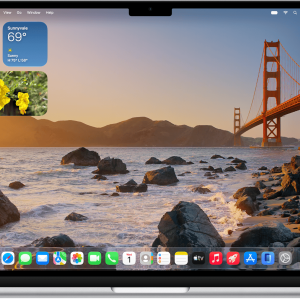
- Pro Tip: If you’re on a Mac, use the ultimate macOS screenshot keyboard shortcuts to snap high-res frames from your favorite videos to use as your starting image.
2. Luma Dream Machine – The Cinema King
Luma Dream Machine is the tool I use when I want “The Hollywood Look.” Their camera physics—pans, tilts, and zooms—are incredibly fluid.

- The “Real” Free Limit: Luma offers 30 free generations per month. It’s not a daily refresh, so you have to make them count.
- Insight: It’s particularly good at understanding complex motion prompts, which I’ve explored further in my curated artificial intelligence resource hub for those looking to master different model behaviors.
3. DaVinci AI — Best Multi-Model Workspace for Animate-Any-Image Workflows
If you dislike jumping between five different tabs just to test how various video models handle the exact same source photo, DaVinci AI solves that friction. Rather than acting as a single proprietary model, DaVinci AI operates as a unified creative ecosystem that connects users to over 50+ leading AI models for image, video, and audio generation under one roof.
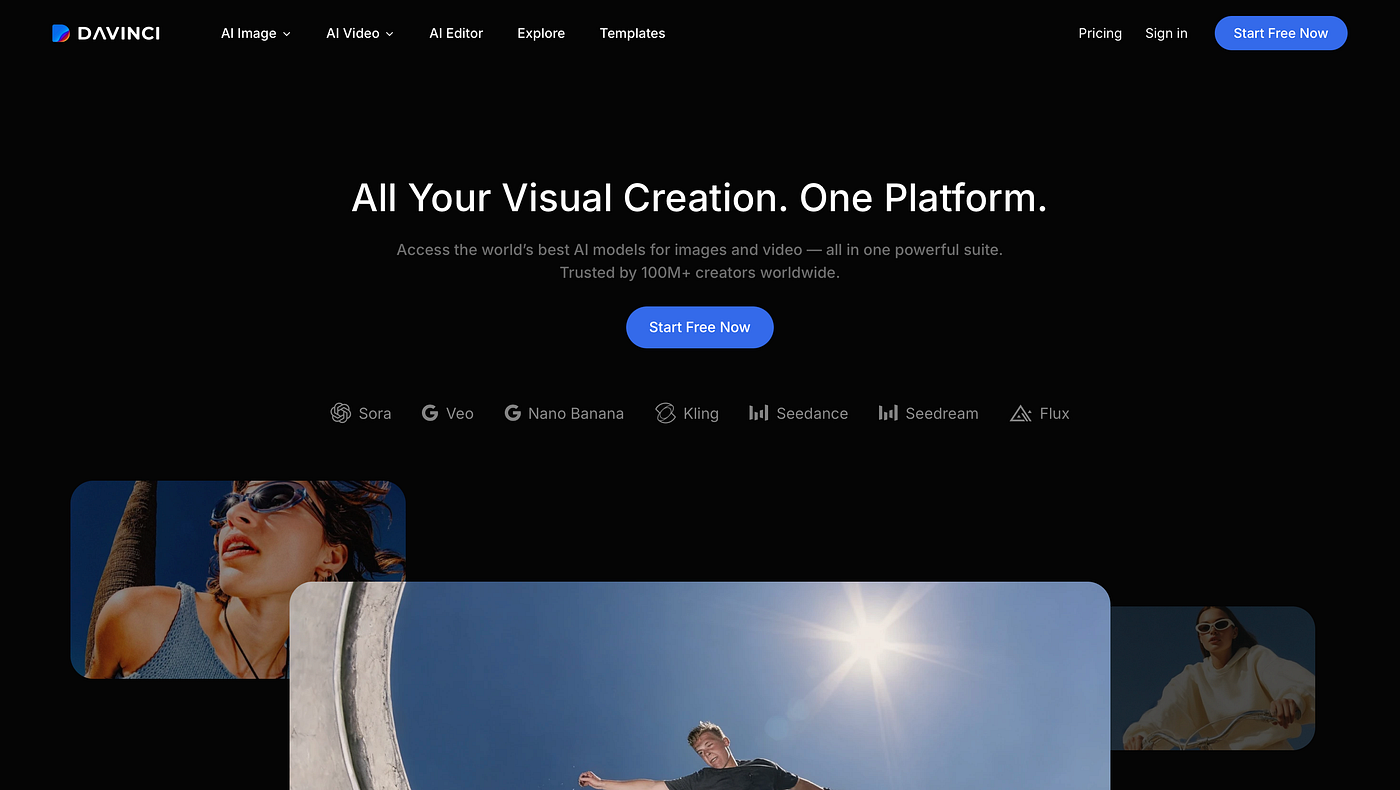
It excels at taking a still image and letting you run it through different underlying photo-to-video rendering engines without managing separate accounts or subscriptions.
- Key Strengths: Single interface access to 50+ AI models, seamless image-to-video prompt control, and clean prompt refinement tools.
- Best For: Creators and marketers who want to rapidly experiment with different animation styles and motion aesthetics side-by-side.
- Free Access / Trial: Provides free trial credits to test out video generation models upon signing up.
4. HaiLuo AI (MiniMax) – Speed Above All
If you have zero patience, HaiLuo AI (also known as MiniMax) is your best bet. It generates 6-second clips in under a minute, which is perfect for rapid prototyping.

- The “Real” Free Limit: They are currently in a high-growth phase, offering several free generations per day(usually around 5-10) with no watermark on the lower-resolution previews.
5. Pika (v2.5) – The Creative Laboratory
Pika 2.5 isn’t trying to be “realistic” like Kling; it wants to be creative. Their “Pikaffects” (like melting, crushing, or inflating an object) are viral gold for social media.

- The “Real” Free Limit: New accounts get 150 credits on signup, plus a daily replenishment of 30 credits. It’s perfect for those “what if this guitar turned into cake?” experiments.
6. WAN 2.1 – The Open Source Hero
For the tech-savvy users, WAN is a game-changer. It’s an open-weight model, and while you can run it locally, you can test it for free on Fal.ai using their initial sandbox credits.

- The “Real” Free Limit: Unlimited if you have the hardware to self-host. For cloud users, the free trial credits allow for roughly 5-10 high-fidelity 720p outputs.
7. Sora 2 (via ChatGPT Free)
The giant is finally accessible. While the “Full” Sora is still a pro tool, OpenAI has integrated a light version into the free tier of ChatGPT.
- The “Real” Free Limit: Very limited. Most free users get 2 to 3 generations per month. The physics are flawless, but the queue times can be brutal during peak hours.
8. Vidu – The Specialist
Vidu AI is a rising star specifically tuned for high-motion scenes like sports or dancing. It handles fast-moving limbs without the typical “AI ghosting” effect.

- The “Real” Free Limit: They offer a daily credit refill system similar to Kling, usually allowing for 4-5 high-quality generations every 24 hours.
9. Leonardo AI (Motion)
Leonardo.ai started as an image generator, but their “Image Guidance” for video is surprisingly deep. You can control the “Motion Strength” with a slider.

- The “Real” Free Limit: 150 daily tokens (shared between images and video). One video usually “costs” about 25 tokens.
10. Runway Gen-3 Alpha Turbo
RunwayML is the “Adobe” of this space. It’s professional, stable, and very powerful, especially with their new “Turbo” mode for near-instant previews.

- The “Real” Free Limit: They give a one-time 125-credit bundle to new users. It doesn’t refresh, but it’s enough to see why the pros pay for it.
Final Thoughts: Which one should you choose?
If you want a daily routine, go with Kling AI. If you want one masterpiece for a project, use Luma.
The “Golden Age” of free AI video won’t last forever—platforms eventually move toward strictly paid models as their server costs explode. My advice? Browse my full AI collection to stay updated on which models are still offering free access while the “Credit Wars” are still in our favor as creators.
Happy prompting!