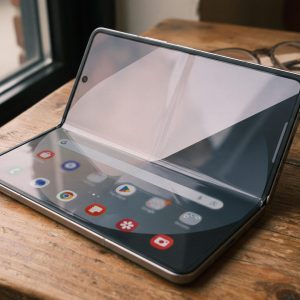
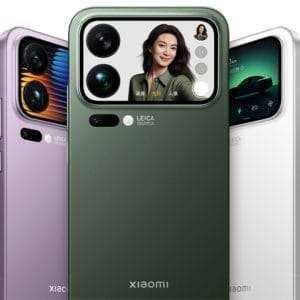
When Apple finally unveiled its 7.6-inch foldable iPhone Duo, the very first thing that crossed my mind wasn’t the hinge—it was whether I could finally ditch my iPad mini and sketch or sign contracts directly on my phone. After all, when a foldable unfolds into a mini tablet canvas, pairing it with Apple’s flagship stylus feels like an obvious match.
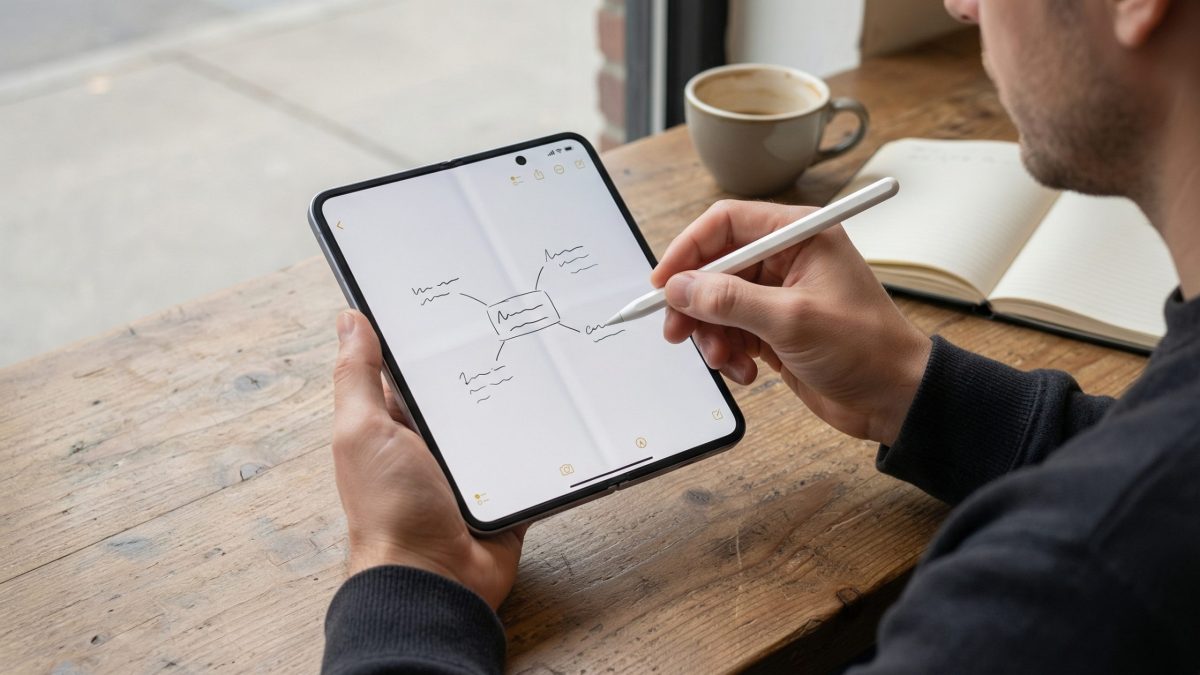
Unfolding the iPhone Duo to its 7.6-inch canvas makes note-taking with the Apple Pencil feel intuitive, though the device has specific stylus compatibility requirements.If you are eyeing the Apple Pencil Pro to go alongside your new foldable, hold off before hitting checkout: no, the iPhone Duo does not support the Apple Pencil Pro. Instead, Apple quietly unlocked stylus support in the iOS 27.2 software update strictly for the entry-level $79 Apple Pencil (USB-C)—and there are some very practical engineering reasons behind that compromise.
Quick Verdict: Which Apple Pencil Works on the iPhone Duo?
If you just need the straight answer before ordering accessories, here is how Apple’s current stylus lineup breaks down on the iPhone Duo:
- Apple Pencil (USB-C): Supported (requires iOS 27.2 or later).
- Apple Pencil Pro: Not Supported (no magnetic pairing coil or hover hardware).
- Apple Pencil (2nd Generation): Not Supported (no inductive charging edge).
- Apple Pencil (1st Generation): Not Supported.
While the official Apple Pencil compatibility matrix confirms that the USB-C model works smoothly for note-taking,markup, and PDF signatures, anyone expecting barrel-roll brush dynamics or squeeze shortcuts will run straight into hardware limits.
Why Apple Skipped Apple Pencil Pro Support on the iPhone Duo
At first glance, leaving out the Apple Pencil Pro on a $1,999 flagship feels stingy. Once you look closely at how a foldable chassis is built, however, the hardware trade-offs make a lot more sense.
1. There Is Nowhere to Put the Magnetic Charging Coil
Both the Apple Pencil Pro and the 2nd-generation Pencil rely on a flat magnetic edge with an inductive charging coil built into the side of the device. On the iPhone Duo, one side of the frame houses the multi-link liquid-metal hinge, while the opposite edge is razor-thin titanium packed with volume buttons, the Side Touch ID sensor, and 5G antenna bands. Fitting a wireless charging coil inside a sub-5mm unfolded frame without compromising structural rigidity simply wasn’t feasible.
2. Hover and Barrel Roll Sensors Add Display Thickness
The Apple Pencil Pro relies on an active digitizer layer capable of detecting hover distance and electromagnetic rotation.On a foldable OLED panel, every extra micron of sensor thickness increases bending stress along the center crease. Given the ongoing conversations around the iPhone Duo inner display cracking issue, keeping the ultra-thin glass stack as slim and flexible as possible clearly took priority over pro-grade stylus sensors.
Apple Pencil (USB-C) vs. Apple Pencil Pro on iPhone Duo: Feature Breakdown
If you already own an iPad Pro or iPad Air with an Apple Pencil Pro, you cannot share that stylus with your iPhone Duo.Here is exactly what you get—and what you give up—when using the compatible USB-C model instead:
| Feature / Spec | Apple Pencil (USB-C) on iPhone Duo | Apple Pencil Pro (Unsupported) |
|---|---|---|
| Compatibility Status | Works natively on iOS 27.2+ | Will not pair or register input |
| Price | $79 | $129 |
| Pairing & Charging Method | Wired USB-C cable (plugs directly into iPhone Duo) | Magnetic wireless attachment |
| Pixel-Level Precision & Low Latency | Yes | Yes |
| Tilt Sensitivity | Yes | Yes |
| Pressure Sensitivity | No | Yes |
| Squeeze Gesture & Barrel Roll | No | Yes |
| Apple Pencil Hover | No | Yes |
| Find My Tracking | No | Yes |
In daily use, charging via a short braided USB-C cable actually feels surprisingly painless—especially since you can plug the Pencil directly into the bottom port of the iPhone Duo for a quick top-up in your pocket. What you will notice immediately if you draw in Procreate or Fresco is the lack of pressure sensitivity. For jotting down meeting notes in Apple Notes, marking up screenshots, or signing documents on the go, though, it feels every bit as snappy as using a stylus on an iPad.
Is Using an Apple Pencil Safe for the iPhone Duo’s Foldable Screen?
This is the question most spec sheets gloss over, and honestly, it is the one that matters most if you plan to keep your phone for two or three years.
Unlike an iPad’s rigid glass screen, the iPhone Duo’s 7.6-inch inner display is topped with a softer polymer protective film over ultra-thin glass. Even though Apple uses a smooth elastomer tip on the USB-C Pencil, pressing too hard with a fine-point stylus creates localized pressure—especially if you write across the center crease or if a tiny speck of dust is sitting on the screen.
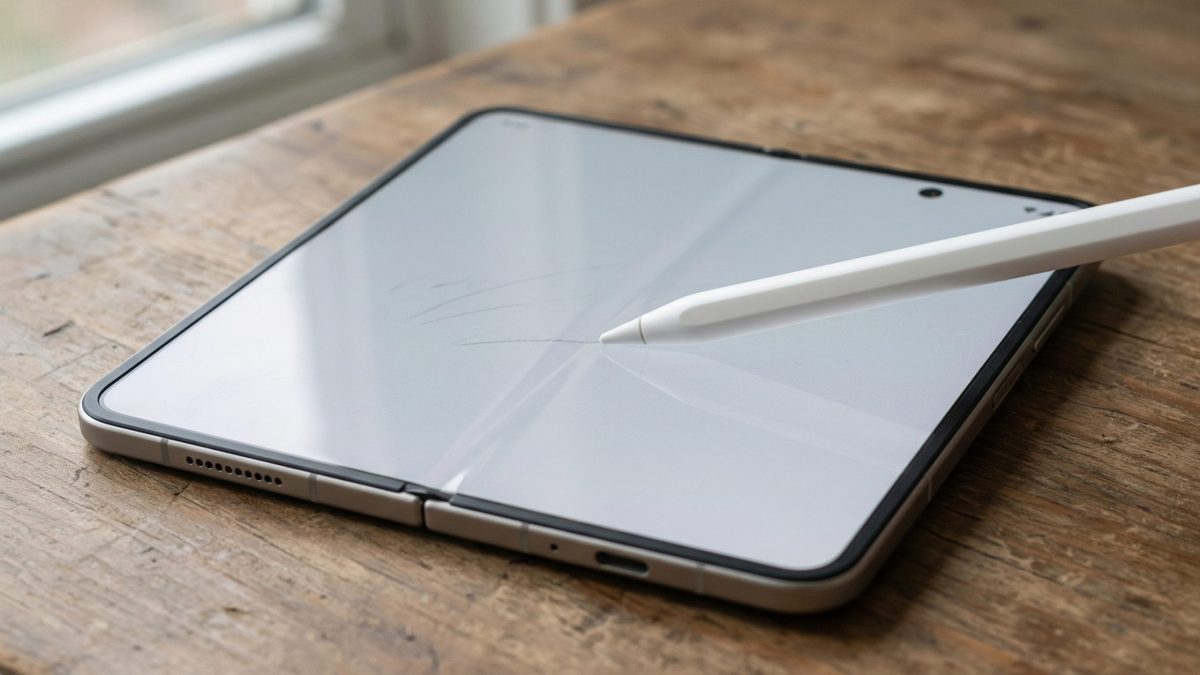
Using a stylus on a foldable display demands lighter tip pressure and regular screen cleaning to protect the delicate ultra-thin glass and factory polymer coating along the center hinge.If you decide to use the Apple Pencil (USB-C) regularly on your foldable, stick to three simple habits:
- Wipe the inner screen with a microfiber cloth before writing so grit doesn’t get dragged across the polymer layer under the stylus tip.
- Avoid resting heavy palm pressure directly on the center hinge line while sketching.
- Replace worn-down tips promptly—once the soft outer coating on a Pencil tip wears thin, the harder plastic core underneath can leave permanent micro-indentations on a foldable panel.
Between saving high-bitrate footage using the iPhone 17 dual capture feature and annotating large PDFs on a 7.6-inch canvas, mobile workflows are getting closer to laptop territory than ever—which also means managing local files, scratch disks, and fixing tight iPhone storage bottlenecks via iCloud becomes just as important as picking the right accessory.
Frequently Asked Questions (FAQ)
No. Even if you try pairing it via Bluetooth settings, the iPhone Duo lacks the magnetic inductive connector required to pair, charge, and communicate with the Apple Pencil Pro.
You need iOS 27.2 or later. If your iPhone Duo is still running the out-of-the-box iOS 27.0 or 27.1 firmware, plug it in,update via Settings > General > Software Update, and then connect your Apple Pencil (USB-C) with a USB-C cable to pair it.
No. Neither the outer titanium frame nor the inner bezels contain the magnetic side-mount array found on recent iPads, so you will need a folio case with a pen loop or a separate sleeve to carry the Pencil safely.
For quick reading, document signing, and travel note-taking, yes—carrying one pocketable device beats juggling a phone and a tablet. However, if you rely on pressure-sensitive digital illustration, hover previews, or magnetic Pencil charging,an iPad mini remains the much better creative tool.
Final Thoughts
Apple bringing stylus support to the iPhone Duo in iOS 27.2 is a welcome quality-of-life bonus for productivity users,even if the lack of Apple Pencil Pro support stops it short of being a true pocket sketchbook. As long as you go in knowing that only the $79 Apple Pencil (USB-C) works—and treat that flexible inner screen with a lighter touch than rigid iPad glass—it turns the 7.6-inch display into a genuinely handy digital notepad.